
A script that follows your screen
AI watches the recording and writes a voiceover around what actually happens.
Clipdio watches your recording, writes a voiceover, and helps you edit and export the finished demo.
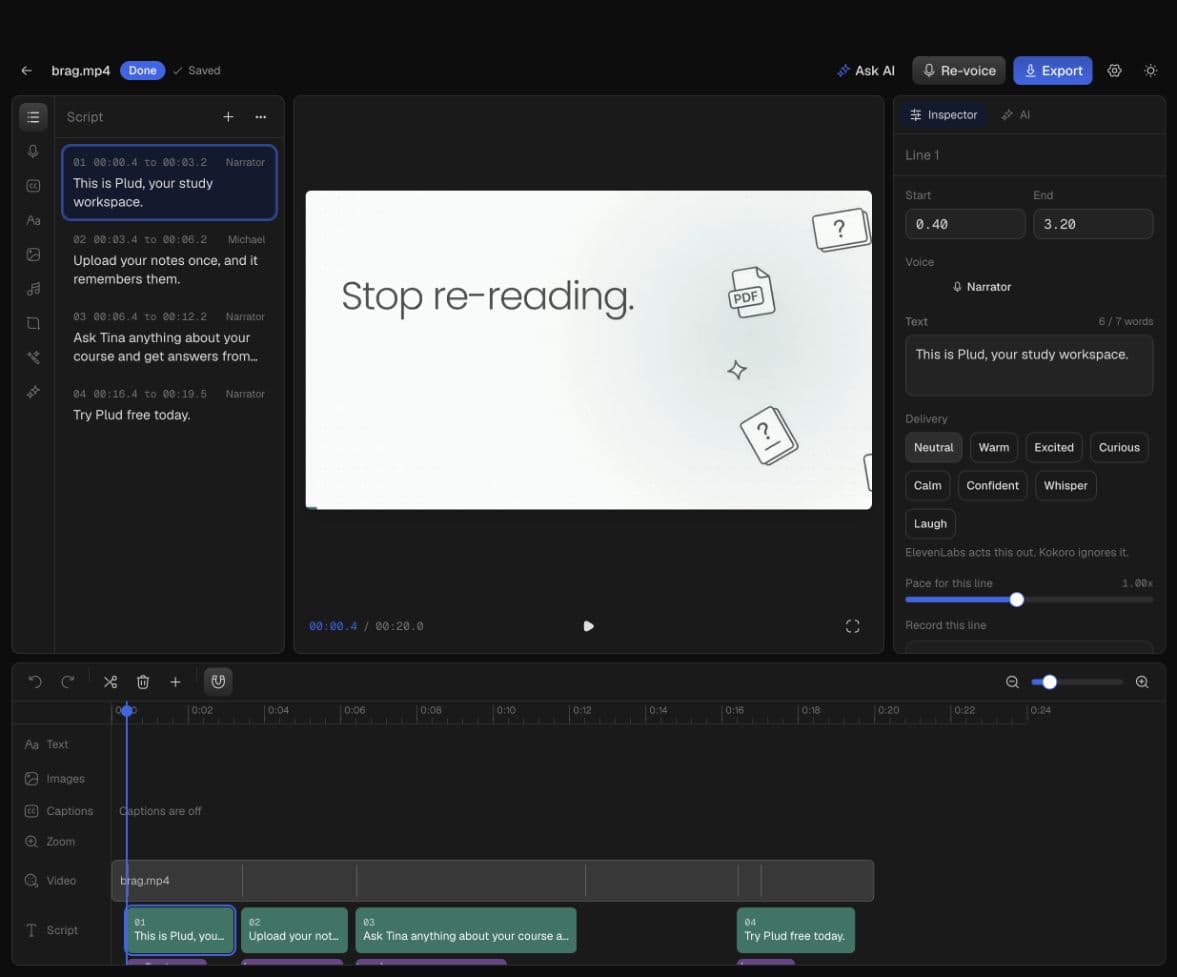
Start with a recording. Shape the story and finish the video without moving between tools.
AI watches the recording and writes a voiceover around what actually happens.
Pick a narrator, preview each line, and re-voice only the parts you change.
Trim, add captions and sound, adjust timing, and make every moment feel right.
Export the finished video, voice track, and captions when your demo is done.
Start with a screen recording. Let Clipdio help shape the story, then finish it in the editor.
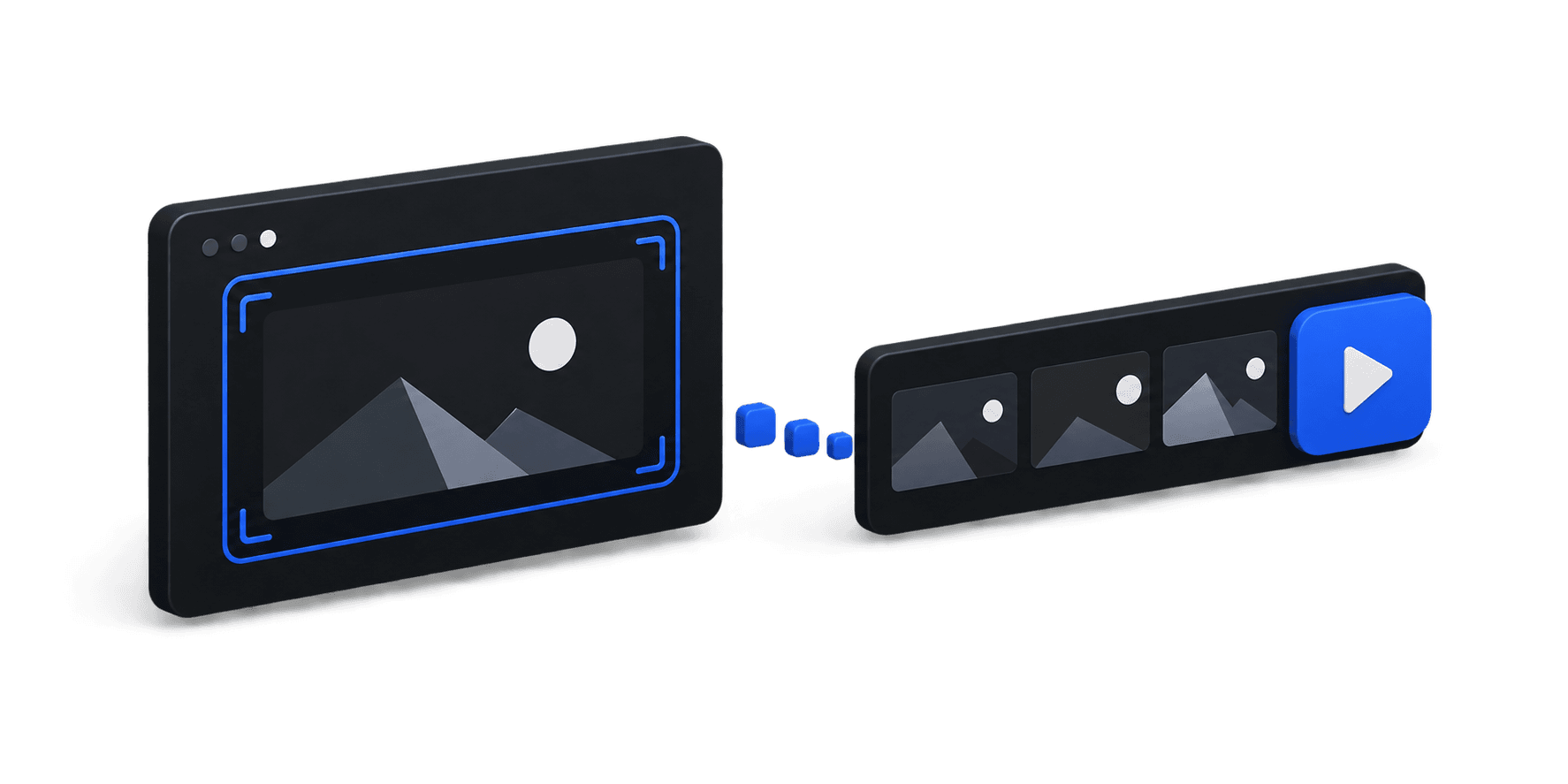
Upload the screen recording you want to turn into a demo.
Generate a voiceover or start editing the footage yourself.
Adjust the timing, add captions, and export the finished video.
Bring your own AI keys or sign in and use Clipdio credits.
Add your own supported provider keys in the desktop app. They stay on your computer.
Get ClipdioSign in with an email code in the desktop app. New accounts get 100 welcome credits.
Get started with credits